


SportyBet app for android
18+ Version 1.75 Size 40 Mb
Bonus for registration 10 000 NGN


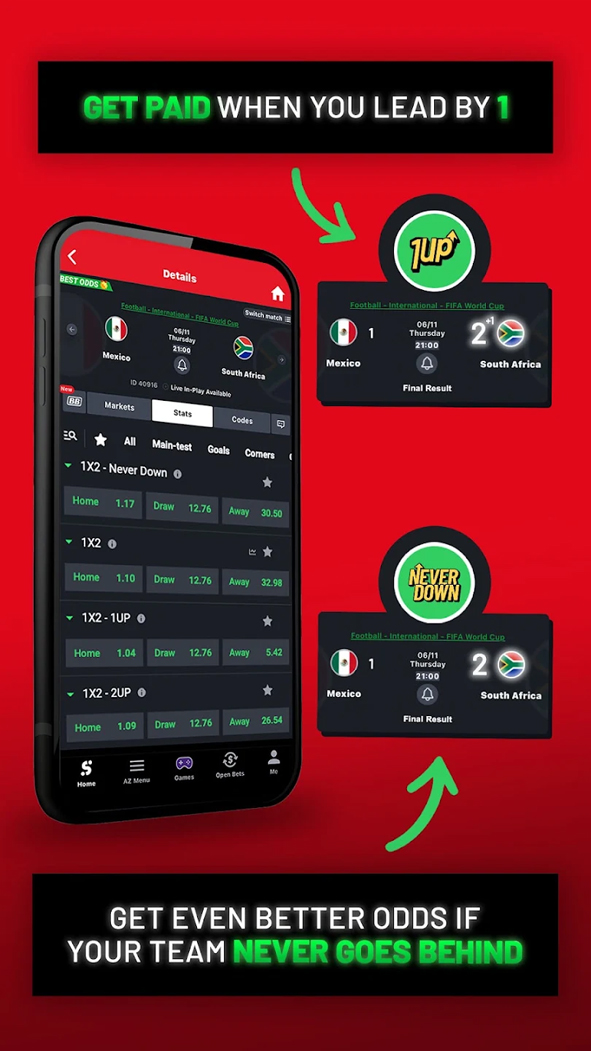

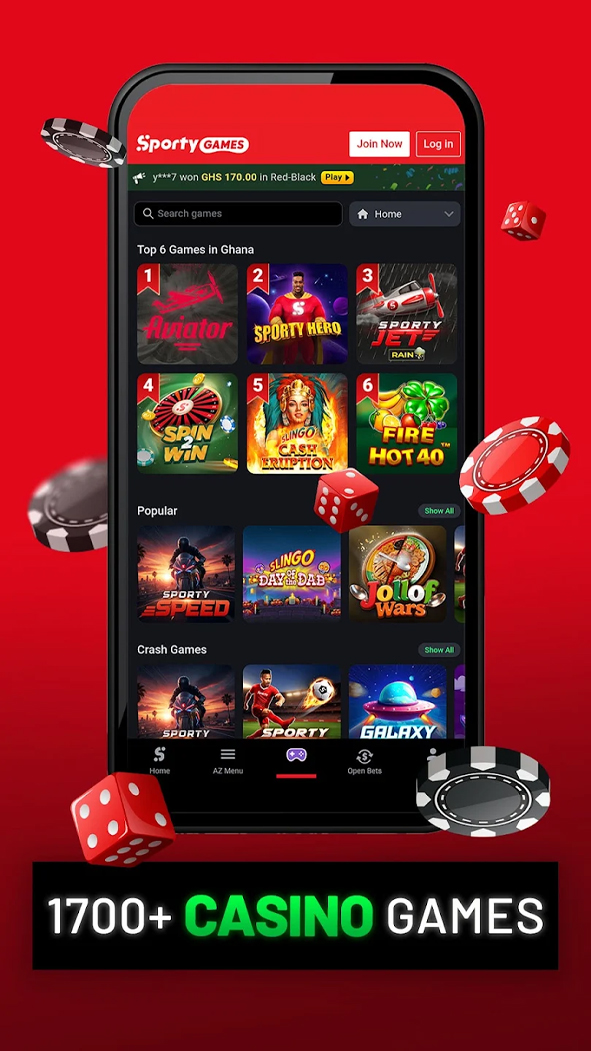

SportyBet was founded in 2013, initially offering football betting across several African markets. Today, the brand operates in Kenya, Nigeria, Ghana, Zambia, Tanzania, and Uganda.
The primary way to access the platform on a smartphone is through the SportyBet Android app. This guide explains how to install it, how it differs from the browser version, and what new users should know before getting started.
How to Download and Install the SportyBet App
The application is available through two official channels: as an APK download from the operator’s website and via Google Play.
Since 2021, Google has allowed real-money betting applications on Google Play, provided operators hold a valid gambling licence in the country where the app is offered. SportyBet Kenya meets these requirements, making the application officially available through the Play Store.
Installing the APK from the Official Website
- Visit the official SportyBet website.
- Open the menu and navigate to the App Download section.
- Select the Android version and confirm the APK download.
- If prompted during the first installation, enable Install from Unknown Sources in your device’s security settings.
- Open the downloaded APK file and complete the installation.
Technical Specifications
| Developer | Sporty Group |
| Current Version | 1.75.0 |
| App Size | ~40 Mb |
| Minimum Android Version | Android 7.0+ |
| Available on Google Play | ✔️ |
| Swahili Interface | ✔️ |
Supported Manufacturers
| Manufacturer | Compatible Devices |
|---|---|
| Samsung | Galaxy S, Galaxy Note, Galaxy A, Galaxy J, Galaxy M, Galaxy Z Fold, Galaxy Z Flip (Android 7.0+) |
| Xiaomi / Redmi / POCO | Xiaomi Mi, Redmi, Redmi Note, Redmi K, POCO F, POCO X, POCO M, POCO C series |
| Huawei / Honor | Huawei P, Mate, nova series; Honor numbered series, Honor Play, Honor Magic |
| OPPO | R Series, F Series, A Series, Find X, Reno |
| vivo | X Series, V Series, Y Series, iQOO |
| realme | All realme smartphones |
| Tecno | Camon, Spark, Pouvoir, Phantom |
| Infinix | Hot, Note, Smart, Zero |
| Sony | Xperia X, Xperia XA, Xperia XZ, Xperia 1, Xperia 5, Xperia 10 series |
| Other Android Devices | Google Pixel, OnePlus, Motorola Moto, Nokia, ASUS Zenfone, ROG Phone, Lenovo, ZTE, TCL, Nothing Phone, and other Android smartphones and tablets running Android 7.0 or later |
App Features
Sportsbook & Live Betting
The app offers betting on more than 20 sports, with football accounting for the largest selection of leagues and betting markets. Basketball, tennis, rugby, table tennis, and several other sports are also available.
The pre-match sportsbook includes a wide range of betting markets, from match results and totals to player and in-play specials. During live events, odds are updated in real time.
Live Streaming
Selected sporting events can be streamed directly within the app, allowing customers to place live bets while watching the match.
For events without video coverage, the app provides a live match tracker featuring animated graphics, live statistics, and key match information, including the score, possession, corners, yellow cards, and substitutions.
Live Scores
A dedicated Live Scores section displays football results from leagues around the world, even if the customer has not placed a bet on a particular match.
Additional Entertainment
Alongside sports betting, the app offers jackpots, virtual sports, and a small collection of instant-win games.
These products complement the sportsbook but are not the platform’s primary focus.
Settings & Account
The app includes all the essential account management features while keeping the interface clean and easy to navigate.
Available settings include:
- Switching the interface language between English and Swahili
- Managing push notifications for bets, promotions, and account activity
- Quick sign-in using saved login credentials
Customers can also set deposit and betting limits as part of the platform’s responsible gambling tools. Rather than hiding these features within the help centre, SportyBet makes them easily accessible through the app settings.
Account Dashboard
The account dashboard is divided into several sections:
- Bet History, with filters for active, won, lost, and refunded bets
- Account Balance, showing separate wallets for sports betting and gaming
- Verification Status, displaying approved documents and any outstanding verification requirements
- Bonuses & Promo Codes, where active offers and available rewards are displayed
Previously used payment details are securely saved, allowing returning customers to top up their accounts via M-Pesa with just a few taps.
Bonuses in the App
SportyBet does not offer a separate bonus for downloading or installing the mobile application. The same promotions are available across the Android app, APK version, and desktop website.
Current offers can be found in the Promotions section, which is accessible from the main menu. If available, a promo code can be entered during registration using the dedicated field next to the mobile phone number.
Registration & Verification
Customers can create an account either through the mobile app or the official website. The registration process is identical on both platforms.
To register, users need to:
- Enter a mobile phone number in the +254 format
- Create a password containing at least eight characters, including numbers, uppercase letters, and lowercase letters
- Enter the SMS verification code and, if available, apply a promotional code
The entire registration process typically takes only a few minutes and does not require identity documents at this stage.
Identity Verification
Identity verification (KYC) is usually requested later, most commonly before a large withdrawal or if unusual account activity is detected.
Customers are required to provide a Kenyan National ID or a passport. In some cases, customer support may also request an M-Pesa transaction receipt to verify a previous deposit.
The mobile phone number is automatically verified during registration using a one-time password (OTP) and normally does not require any additional confirmation.
Deposits & Withdrawals
All account transactions are managed through the My Account section of the app.
To make a deposit, customers simply select M-Pesa, enter the desired amount, and confirm the transaction using their M-Pesa PIN. Funds are credited to the betting account without requiring users to switch to another application.
To withdraw funds, open My Account, select Withdraw, enter the withdrawal amount, and confirm the request. Winnings are sent directly to the mobile phone number linked to the account.
Deposit Methods
| Payment Method | Minimum | Maximum | Processing Time |
|---|---|---|---|
| M-Pesa (Paybill 202202) | 25 KES | 250,000 KES | Up to a few minutes |
| M-Pesa via SMS | — | — | Up to a few minutes |
Deposits below 250 KES may be subject to a small M-Pesa transaction fee. Deposits of 250 KES or more are processed without additional charges.
Withdrawal Methods
| Payment Method | Minimum | Maximum | Processing Time |
| M-Pesa | 225 KES | 250,000 KES per transaction | Up to a few minutes |
| USSD | — | — | Up to a few minutes |
SportyBet does not charge its own withdrawal fee. However, withdrawals below 500 KES may still incur the standard M-Pesa transfer fee, which is charged by the mobile payment provider rather than the operator.
How to Place Bets in the SportyBet App?
The SportyBet app supports single bets, accumulators, system bets, and live betting. For selected events with live streaming, customers can place wagers while watching the match in real time.
Placing a bet is simple:
- Select a sport from the navigation menu.
- Find the desired event and tap the odds. The selection will automatically be added to the betting slip.
- Enter the stake amount and tap Place Bet to confirm your wager.
To create an accumulator or a system bet, simply add multiple selections. The betting slip automatically recalculates the combined odds and potential return.
SportyBet App vs Website
| Feature | Mobile App | Website |
|---|---|---|
| Registration | ✔️ | ✔️ |
| Live Streaming | ✔️ | ✔️ |
| Push Notifications | ✔️ | ❌ |
| Quick Login | ✔️ (saved credentials) | ❌ |
| Biometric Authentication | ❌ | ❌ |
| Match Statistics & Media Centre | ✔️ | ✔️ |
| Live Chat Support | ✔️ | ✔️ |
| Bet Calculator | ✔️ | ✔️ |
FAQ
Is the SportyBet app really available on Google Play?
Can I withdraw money without completing identity verification?
Which payment methods are available in the app?
Does the app offer live match streaming?
Is the app available in Swahili?
Pros and cons
Pros:
- Live streaming for selected sporting events, with the ability to place bets while watching
- Compact application size
- Interface available in both English and Swahili
- Registration without identity documents, with KYC verification requested only when necessary
Cons:
- M-Pesa is the only available payment method for both deposits and withdrawals; Airtel Money and bank cards are not supported
- No exclusive bonus for downloading or installing the mobile app
- Identity verification may be requested after customers have already started using the platform, particularly before large withdrawals or following unusual account activity