


888Starz app for android
18+ Version 888starz_ke_store-v255.0.2 Size 73 Mb
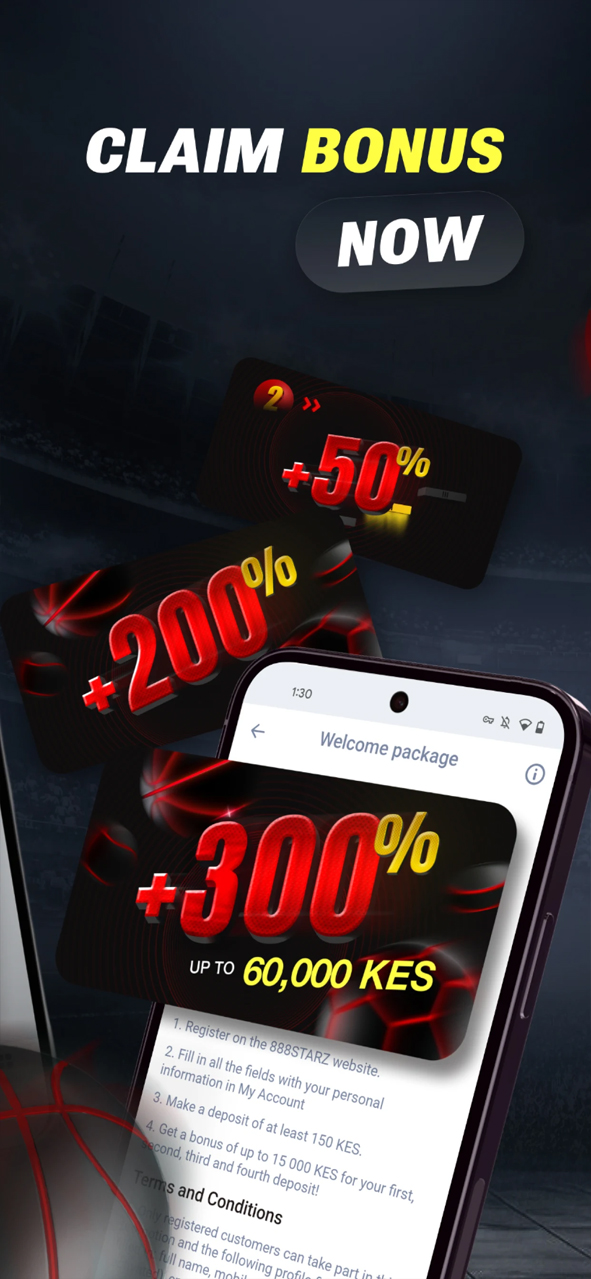
Bonus for registration 60 000 KES
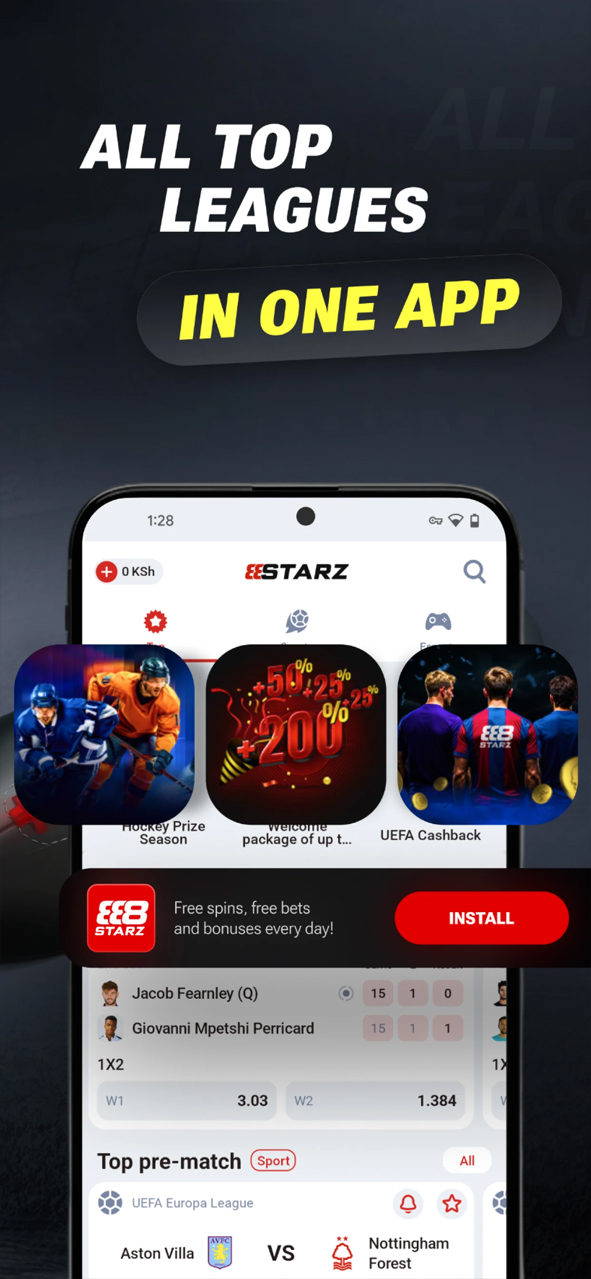
888Starz launched in 2020 as an international betting platform licensed in Curaçao. Later, as the operator expanded into Kenya, the platform came under local regulation through Zenit Solutions Ltd, which obtained a license from the Betting Control and Licensing Board (BCLB). This dual licensing gives Kenyan customers access to an international range of betting and gaming products while retaining local benefits, including familiar payment methods and access to local customer support.
The 888Starz app is the main way to access the platform from a mobile device. Android and iOS users can access the bookmaker’s services through dedicated mobile apps. Below, we explain how to download and install the app, what features it includes, and how it compares with the browser version.
Downloading and Installing the 888Starz App
The Android APK is available from the official website, as well as from various third-party betting portals and mirror sites. Downloading the file directly from the official website is the safer option, as third-party sources may distribute outdated or modified versions.
The Kenyan Android app is also officially available on Google Play under the name “888Starz Kenya – bet on sports.” The APK remains an alternative for Android users who prefer to install the application directly.
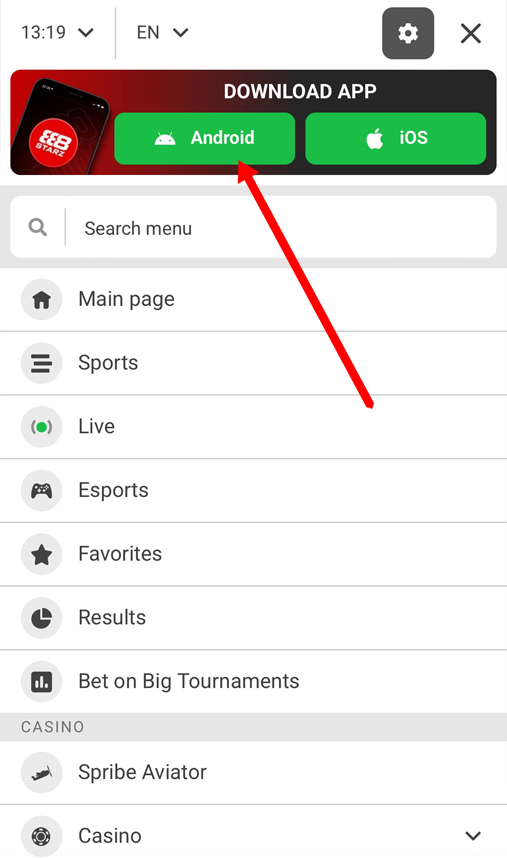
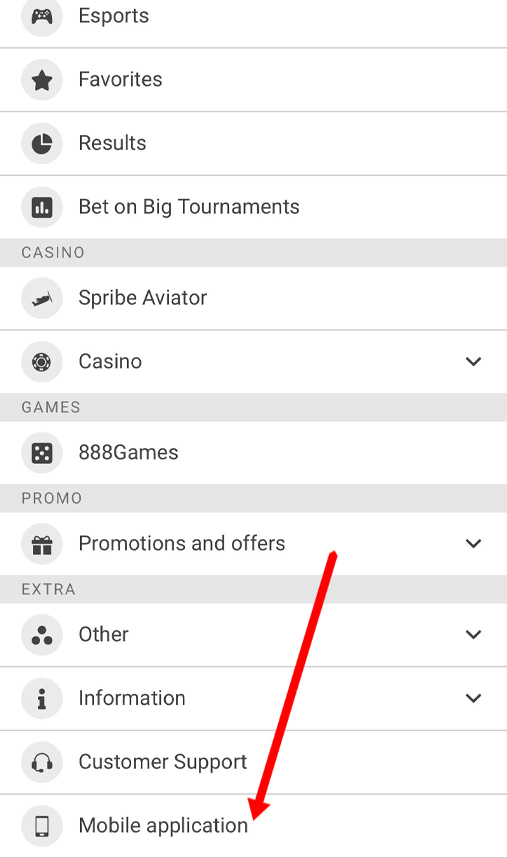
How to install the 888Starz APK from the official website:
- open the website and scroll to the bottom of the page;
- open the apps section, select the Android version and start the APK download;
- in your phone’s security settings, enable installation from unknown sources if required;
- open the downloaded APK file and complete the installation;
- once the installation is finished, tap “Open” to launch the app.
Technical Specifications
| Current version | 888starz_ke_store-v255.0.2 |
| App size | ~73 MB |
| Minimum OS version | Android 7.0+ |
| Available on Google Play | ✔️ (Kenyan version) |
| Swahili interface | ✔️ |
Device Compatibility
The app is designed to work with smartphones and tablets running Android 7.0 or later. Compatible devices include the following models and product lines:
| Manufacturer | Models compatible with Android 7.0+ |
| Samsung | Galaxy S6, Galaxy S7, Galaxy S8, Galaxy Note5, Galaxy Note7, Galaxy Note8, Galaxy A (2016 and later), Galaxy J (2016 and later), Galaxy M, Galaxy Z Fold, Galaxy Z Flip |
| Xiaomi / Redmi / POCO | Xiaomi Mi 4c, Mi 4s, Mi 5, Mi 5s, Mi 6, Mi Mix, Mi Note 2, Redmi 3S, Redmi 4, Redmi 5, Redmi Note 3, Redmi Note 4, Redmi Note 5, Redmi K, POCO F, POCO X, POCO M, POCO C |
| Huawei / Honor | Huawei P9, P10, Mate 8, Mate 9, Mate 10, nova, nova 2, nova 3, Honor 8, Honor 9, Honor 10, Honor V8, Honor V9, Honor Play, Honor Magic |
| OPPO | R9, R9s, R11, F1s, F3, F5, F7, A3, A5, Find X, Reno |
| Vivo | X9, X20, X21, V5, V7, V9, Y55, Y66, Y69, Y71, Y81, Y83, iQOO |
| Realme | All Realme models |
| Tecno | Camon, Spark, Pouvoir, Phantom |
| Infinix | Hot, Note, Smart, Zero |
| Sony | Xperia X Performance, Xperia XZ, Xperia XZ1, Xperia XZ2, Xperia XA, Xperia XA1, Xperia XA2, Xperia 1, Xperia 5, Xperia 10 |
| Other devices | Google Pixel, Pixel XL, Pixel 2, OnePlus 3, 3T, 5, Motorola Moto G4, G5, G6, Nokia 3, 5, 6, 7 Plus, ASUS Zenfone 3, Zenfone 4, ROG Phone, Lenovo K5, K6, K8, K9, ZTE Blade V7, Blade V8, Blade V9, Axon 7, TCL, Nothing Phone and other smartphones and tablets running Android 7.0+ |
App Features
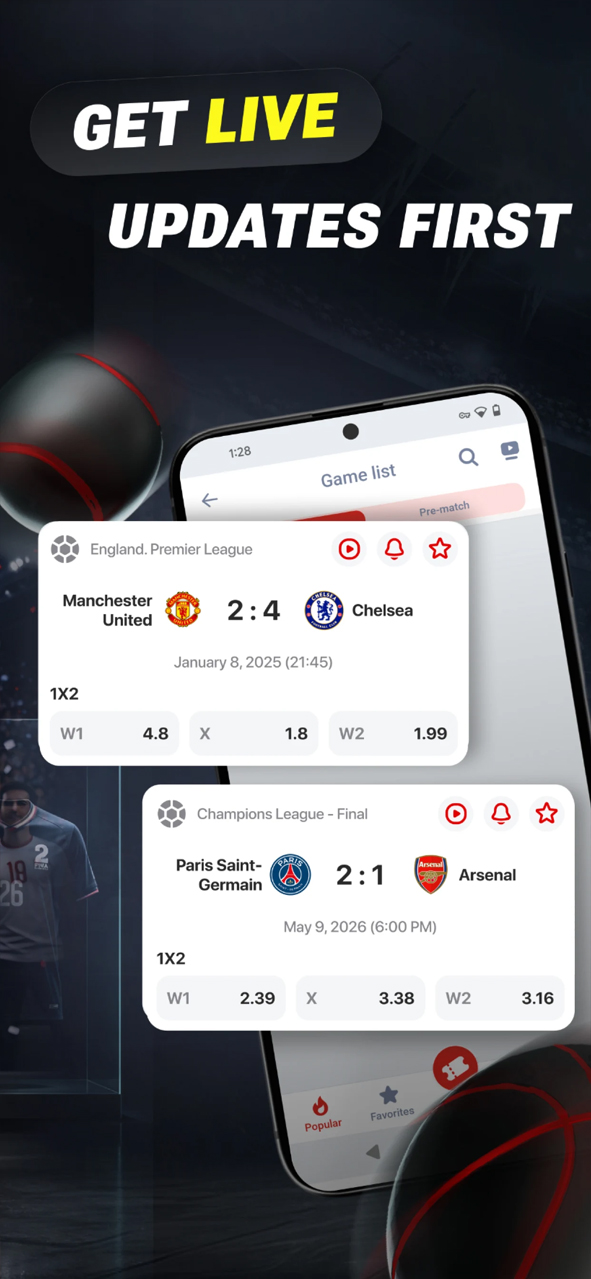
Sportsbook and live betting. The pre-match sportsbook on 888Starz covers more than 40 sports, ranging from football and basketball to esports and darts. This gives users a broader selection than many local competitors. Both pre-match and live markets feature real-time odds updates.
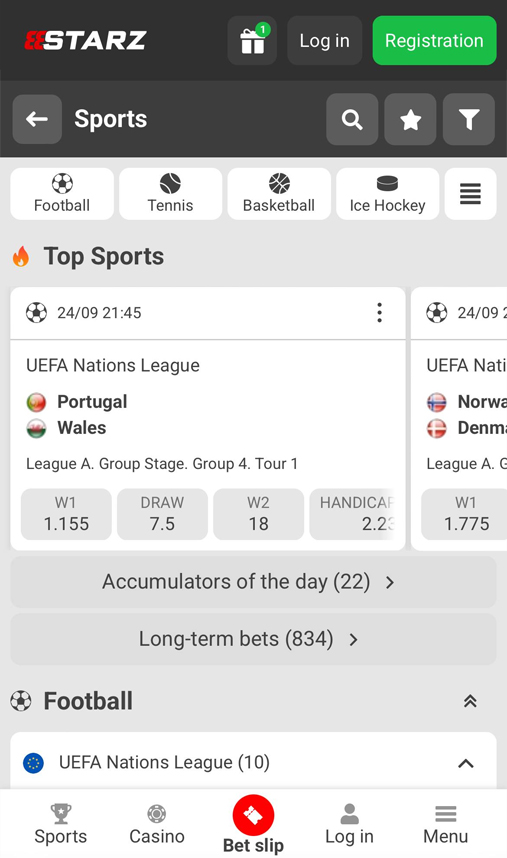
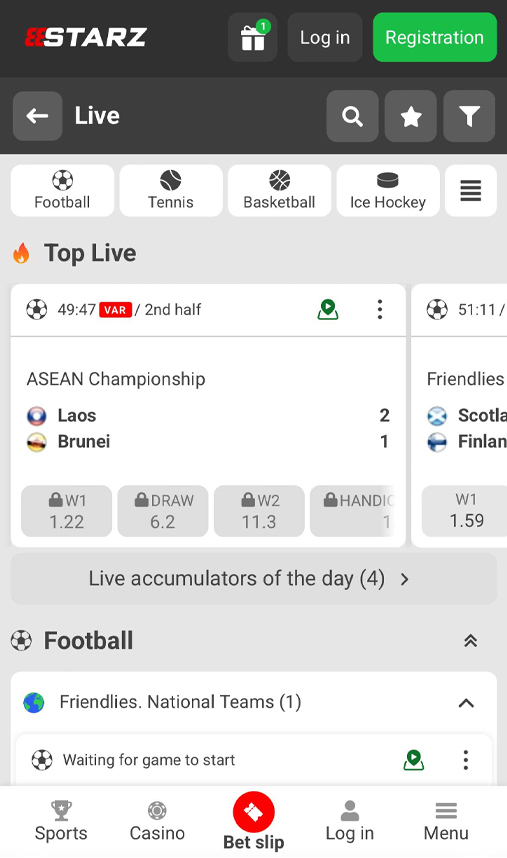
Live streaming. Selected events can be streamed directly in the app, allowing users to place bets while watching the action.
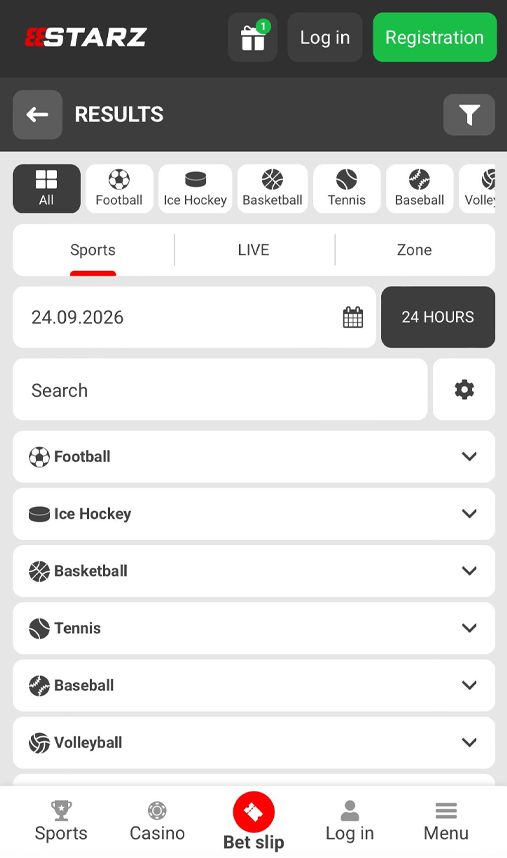
Match Centre. The Match Centre provides key statistics, including period-by-period scores, possession, corners and cards. The data is updated in real time.
Cryptocurrency support. The app also supports cryptocurrency transactions directly through the user account. This is less common among Kenyan bookmakers, many of which primarily rely on M-Pesa for deposits and withdrawals.
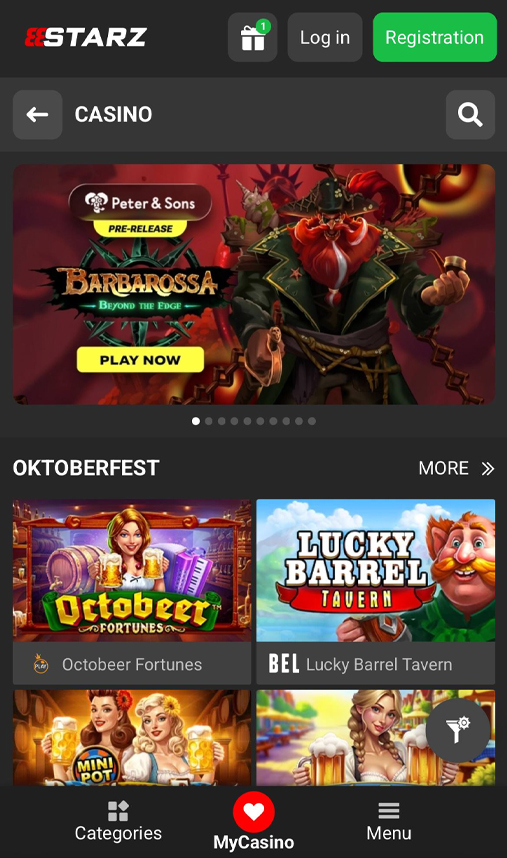
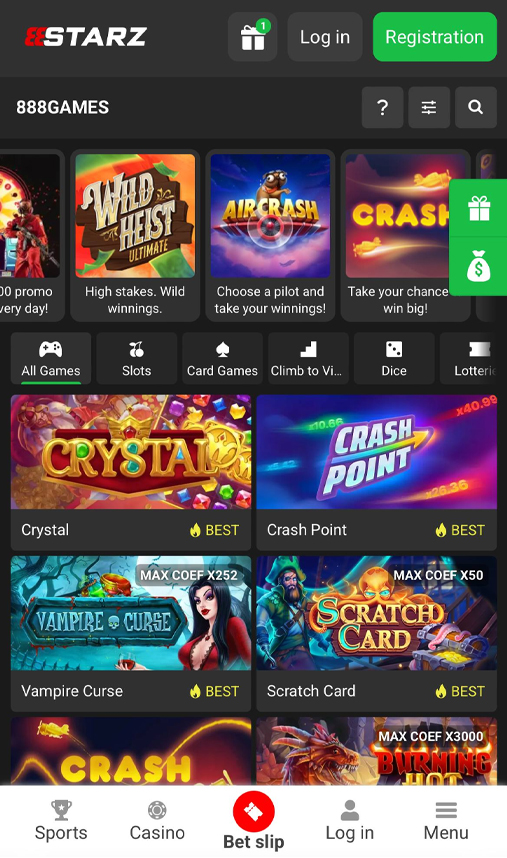
Casino and other games. Alongside sports betting, the platform features a dedicated casino section with crash games such as Aviator and JetX, slots from several providers, and live casino tables streamed from Evolution Gaming studios. The casino section operates alongside the sportsbook and is not a replacement for it.
Settings and Account Area
The 888Starz app provides several settings that users can adjust without contacting customer support:
- switch the interface between English and Swahili;
- manage push notifications about bets, promotions and account activity;
- change the display currency;
- set deposit and single-bet limits as part of the platform’s responsible gambling tools.
Users can also enable two-factor authentication for account login. This can provide an additional layer of security, particularly for accounts linked to both M-Pesa and a cryptocurrency wallet.
The account area is divided into several sections:
- Betting and transaction history — users can filter records by status and transaction type, including sports bets, casino activity, deposits and withdrawals;
- Balance — funds are displayed separately for different products;
- Verification status — shows which documents have been accepted and which still need to be uploaded;
- Bonuses and promo codes — contains available promotions and promotional codes.
Linked payment methods are also stored in the account, including cryptocurrency wallets. This means users do not have to enter their payment details again when making another deposit.
Bonuses in the App
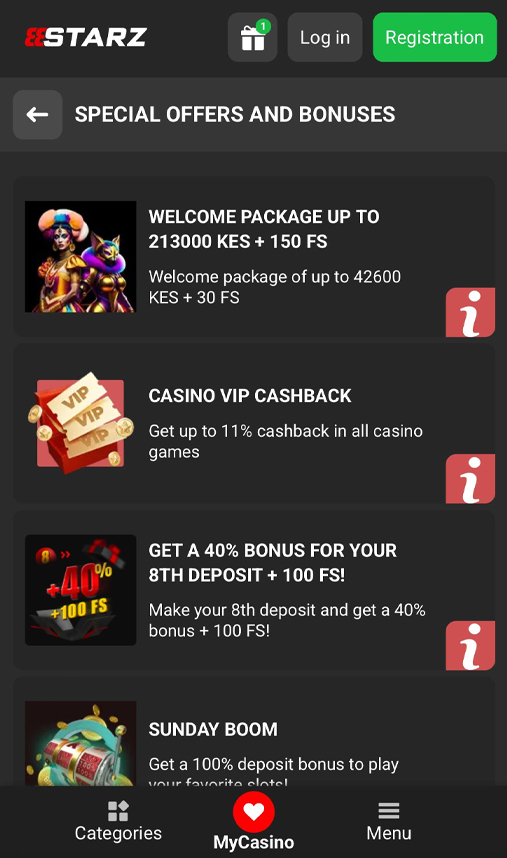
There is no separate bonus for installing the 888Starz app. The bonus policy is the same across the mobile app, APK version and website.
Current promotions are listed in the account area under “Bonuses” or “Promotions.” If a promo code is available, it can be entered during registration in a dedicated field or later on the deposit page before confirming the payment amount.
Registration and Verification
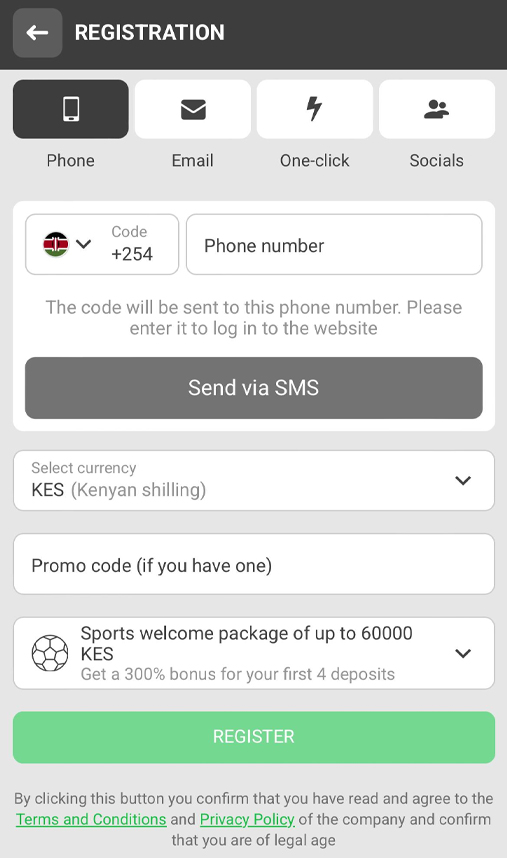
The 888Starz registration process offers four options: phone number, email address, social media accounts and one-click registration. A password is required when signing up with a phone number or email address.
When registering by phone, users receive a six-digit verification code by SMS. Identity documents are not required at this stage.
Identity Verification
KYC verification is carried out later, usually before the first withdrawal or when a large amount is being withdrawn. Users may be asked to upload a national ID card or passport. In some cases, additional documents may be required, including proof of address, such as a utility bill issued within the previous three months, and a selfie holding the identity document.
The verification process is usually completed within 24 hours.
Deposits and Withdrawals
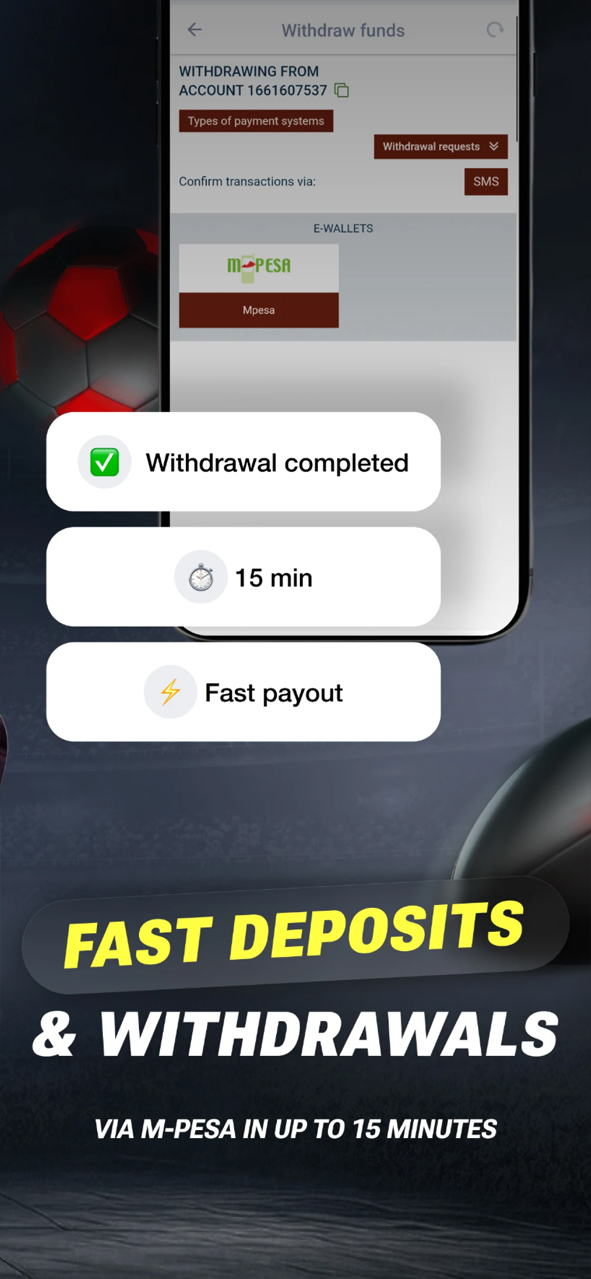
In Kenya, M-Pesa is the main local payment method supported by the platform. The app also accepts cryptocurrency deposits and bank card payments.
To make a deposit, open the account area, select a payment method and enter the amount. For mobile money payments, the transaction is confirmed through an STK push notification on the user’s phone. Card payments require the relevant card details, while cryptocurrency deposits are made by transferring funds to the wallet address provided by the operator.
Withdrawals follow a similar process. Select the amount and preferred payment method in the balance section, then submit the request for processing. Funds can only be withdrawn through a payment method that has previously been used to make a deposit.
Deposit Methods
| Payment method | Minimum | Maximum | Processing time |
|---|---|---|---|
| M-Pesa | 100 KES | 150,000 KES | Instant |
| Visa / Mastercard | 500 KES | 300,000 KES | Instant |
| USDT | 10 USDT | — | 10–20 minutes |
| Cryptocurrencies | — | — | 10–20 minutes |
Withdrawal Methods
| Payment method | Minimum | Maximum | Processing time |
| M-Pesa | 200 KES | 100,000 KES | 5–30 minutes |
| Visa / Mastercard | 1,000 KES | 250,000 KES | 1–3 business days |
| USDT | 10 USDT | — | Up to 1 hour |
| Cryptocurrencies | — | — | Up to 1 hour |
How to Place Bets in the App
The 888Starz app supports single bets, accumulators, system bets and live betting. For selected events with live streaming, users can also place bets while watching the broadcast.
How to place a bet:
- select a sport from the menu;
- find the event and tap the relevant odds to add the selection to the bet slip;
- enter the stake and confirm the bet.
For an accumulator or system bet, add several selections in the same way. The bet slip will automatically calculate the combined odds.
App vs Desktop Version
| Feature | App | Website |
|---|---|---|
| Registration | ✔️ | ✔️ |
| Live streaming | ✔️ | ✔️ |
| Push notifications | ✔️ | ❌ |
| Quick login | ✔️ (device is remembered) | ❌ |
| Biometric login | ❌ | ❌ |
| Statistics and Media Centre | ✔️ | ✔️ |
| Customer support chat | ✔️ | ✔️ |
| Built-in bet calculator | ✔️ | ✔️ |
Pros and cons
Pros:
- cryptocurrency deposits and withdrawals directly through the app
- a sportsbook covering more than 40 sports
- live streaming for selected events with in-play betting
- an official Google Play version for the Kenyan market
Cons:
- verification may require proof of address
- withdrawals are only available through a payment method previously used for a deposit
- there is no separate bonus for installing the app