


OdiBets App for Android
18+ Version 23.11.23 Size 3 Mb
Bonus for registration 200 KES

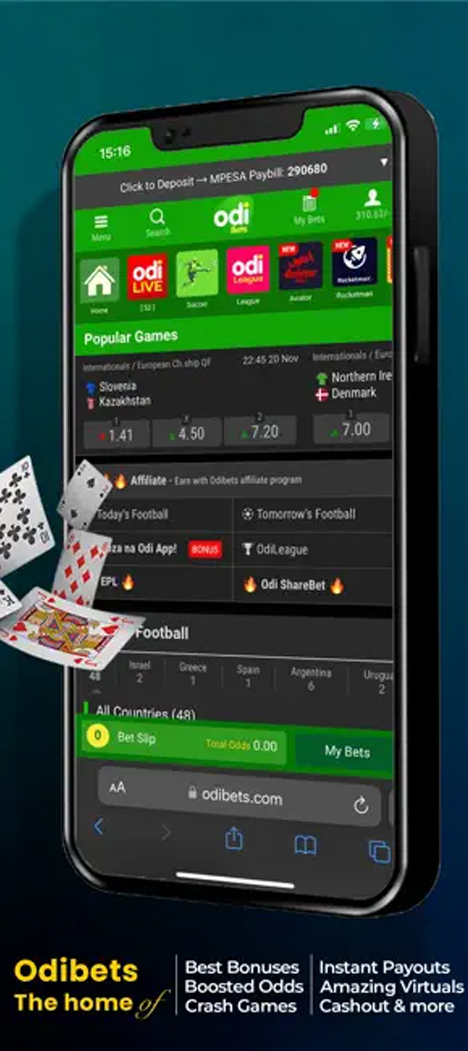
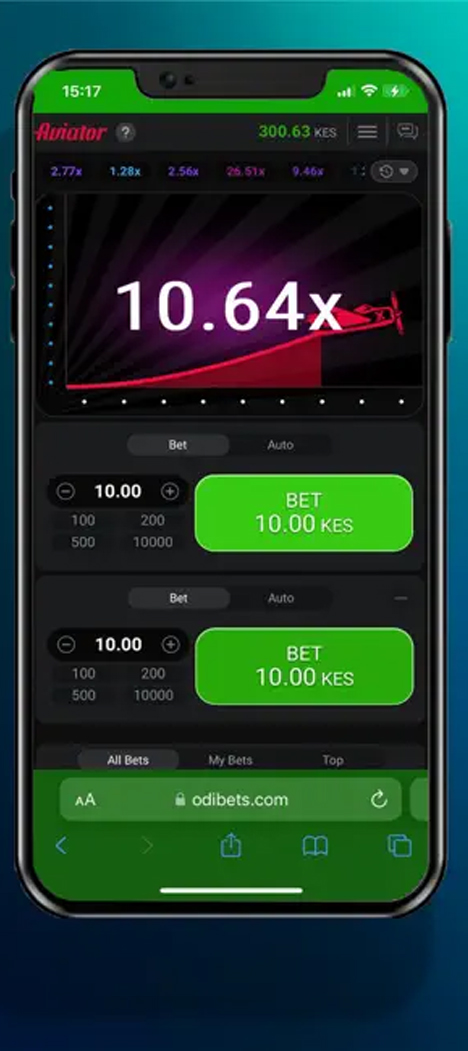
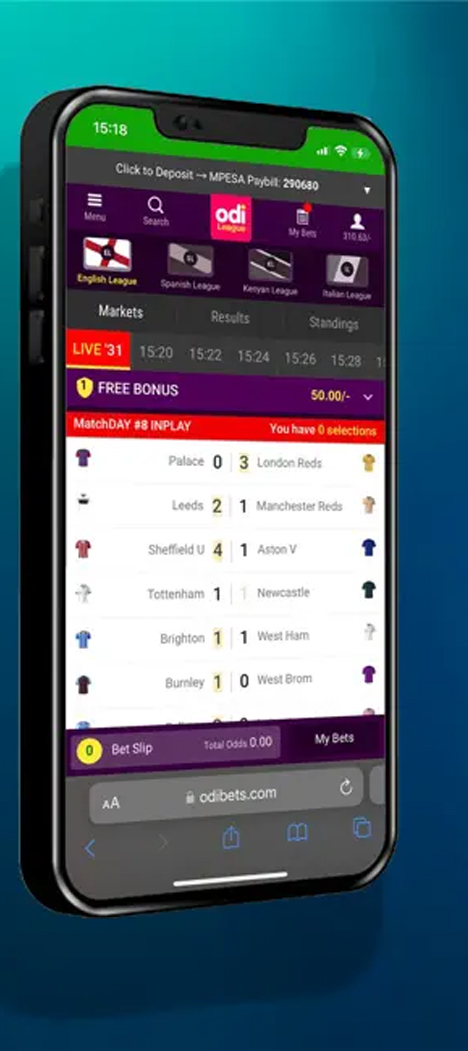

OdiBets has operated in Kenya since 2018 under Kareco Holdings Limited. The bookmaker is licensed by the Betting Control and Licensing Board (BCLB) under the Betting, Lotteries and Gaming Act, Cap 131. Since its launch, the platform has focused on mobile and SMS users, with access to its betting services available even from a basic feature phone without an internet connection.
The main way to use the service on a smartphone is through its Android app. Below, we explain how to install it, what features it offers, and how it compares with the browser version.
How to Download and Install the OdiBets App
The APK file is available from the official website. The main menu includes a direct “Download Odibets App” link. The download page also displays a Google Play button, but it does not currently work.
To install the app from the website:
- find “Download Odibets App” in the main menu or scroll to the bottom of the page and click the same button;
- select “Download APK” on the download page;
- allow installation from unknown sources in your phone’s security settings;
- open the downloaded file and complete the installation.
Technical Specifications
| Developer | Kareco Holdings Limited |
|---|---|
| Current version | 23.11.23 |
| App size | ~3 MB |
| Minimum OS version | Android 4.4+ |
| Available on Google Play | ❌ |
| Swahili interface | ❌ |
OdiBets is often described as one of Kenya’s lightest betting apps. Its small file size makes installation and updates easier, particularly on slower internet connections.
Device Compatibility
| Manufacturer | Compatible Devices |
|---|---|
| Samsung | Galaxy S3, Galaxy S4, Galaxy S5, Galaxy Note 2, Galaxy Note 3, Galaxy Note 4, Galaxy A3, Galaxy A5, Galaxy A7, Galaxy J5, Galaxy J7, Galaxy Grand, Galaxy Mega |
| Xiaomi / Redmi | Xiaomi Mi 2, Mi 3, Mi 4, Redmi 1S, Redmi 2, Redmi Note, Redmi Note 2, Redmi Note 3 |
| Huawei / Honor | Huawei P6, P7, P8, Mate 7, Mate 8, Honor 3, Honor 4X, Honor 5X, Honor 6, Honor 7 |
| OPPO | Find 5, Find 7, N1, N3, R1, R5, R7, F1, Neo series |
| Vivo | X1, X3, X5, X6, V1, V3, Y22, Y31, Y51 |
| Sony | Xperia Z, Xperia Z1, Xperia Z2, Xperia Z3, Xperia Z4, Xperia Z5, Xperia M2, Xperia M4 Aqua, Xperia C, Xperia T2 Ultra |
| HTC | One M7, One M8, One M9, Desire 500, Desire 610, Desire 820, Desire Eye |
| LG | G2, G3, G4, G5, Nexus 4, Nexus 5, Nexus 5X, L90, K10 |
| Motorola | Moto G, Moto G2, Moto G3, Moto X, Moto X2, Moto E, Droid Turbo |
| Nokia | Nokia X, Nokia XL, Nokia 6, Nokia 7, Nokia 8, Nokia 3, Nokia 5 |
| ASUS | ZenFone 4, ZenFone 5, ZenFone 6, ZenFone 2, ZenFone 3, ZenFone Selfie |
| Lenovo | A6000, A6010, K3 Note, K4 Note, Vibe X2, Vibe Shot, Vibe K5 |
| Other Android Devices | Google Nexus 4, Nexus 5, Nexus 6, OnePlus One, OnePlus 2, ZTE Blade series, Acer Liquid series, Alcatel One Touch series, and other smartphones and tablets running Android 4.4 or later |
App Features
Sportsbook and live betting. The sportsbook covers more than 15 sports, including football, basketball, rugby, cricket, boxing, American football and other disciplines. Coverage includes Kenyan competitions as well as major European tournaments. Both pre-match and live betting are available, with live events listed under the “OdiLIVE” tab. Odds are updated during matches, along with event graphics and on-screen statistics.
Live streaming. The “OdiTV” tab provides free access to selected football, tennis and basketball streams for users with an active account. Not every event on the sportsbook is available to watch, but this feature is still relatively uncommon among local bookmakers.
Betting without internet access. One of OdiBets’ distinctive features is SMS betting, which does not require an internet connection or the app. Customers send a short command to the service number and receive confirmation by SMS. For users with feature phones or poor network coverage, this can be a practical way to place a live bet when internet access is unavailable.
Since 2025, the app has also featured Aviator, a crash game by Spribe locally known as “Rubani”, with an RTP of 97% and stakes starting from 1 KES.
Settings
The app includes a standard set of account and security options. Users can:
- change their password and recover account access using an SMS code;
- link or replace their M-Pesa number for deposits without entering the details again;
- enable or disable push notifications separately for bets, live events and promotions.
Users can also set deposit and single-bet limits directly in the app. This provides a way to manage spending without contacting customer support. A self-exclusion option is available as well, allowing the account to be temporarily blocked for a period selected by the customer.
Account Area
The account area is divided into several main sections.
- Bet history shows all placed bets and allows users to filter them by status (open, won, lost or void) and by sport. This is useful for customers who bet on several sports.
- Balance shows the current account balance and recent deposits and withdrawals. The verification status is displayed separately, showing which documents have been accepted and which still need to be uploaded.
- Bonuses and promo codes contains available promotions and a field for entering a promo code. Participation in regular prize draws is also usually displayed in this section.
How to Register in the App
OdiBets registration is available by phone number only. Email and social media sign-ups are not supported.
To create an account:
- open the app and tap the registration button;
- enter a Safaricom phone number — numbers from other operators are not accepted;
- create a password;
- enter the verification code sent by SMS;
- complete the registration. The account is activated immediately and can then be used for betting.
Verification
KYC verification is required before making a large first withdrawal. The exact documents required and the usual verification time should be checked in the app during the verification process.
Bonuses in the App
There is no separate reward for installing the OdiBets app. Promotions are generally the same across the mobile app, APK and website.
However, the operator does offer a promotion linked specifically to bets placed through the app, with 200 winners selected at random each day.
Current promotions can be found in the account area next to the jackpot section. If a promo code is available, it can be entered in the dedicated field on the registration screen before the phone number is verified.
Deposits and Withdrawals
Deposits can be made from the account area. Select M-Pesa, enter the amount and confirm the transaction with your PIN. Funds usually reach the betting balance within a few minutes.
Withdrawals are available in two ways:
- through the app using the “Withdraw” section;
- by sending an SMS command in the format “W#amount” to the short code, without logging into the app.
OdiBets does not charge its own transfer fee. Customers only pay the applicable M-Pesa charges, which are zero for some small transactions, as well as the government excise duty on deposits and withdrawals under the Finance Act.
These are statutory charges rather than platform fees and apply to bookmakers operating in Kenya. An important limitation is that deposits can only be made using a Safaricom number. Airtel Money and other mobile wallets are not supported.
Deposit Methods
| Payment Method | Minimum | Maximum | Processing Time |
|---|---|---|---|
| M-Pesa (Paybill 290680) | 100 KES | 150,000 KES per transaction | 1–5 minutes |
Withdrawal Methods
| Payment Method | Minimum | Maximum | Processing Time |
|---|---|---|---|
| M-Pesa (via app) | 100 KES | 1,000,000 KES | Usually up to 30 minutes |
| SMS “W#amount” | 100 KES | 1,000,000 KES | Usually up to 30 minutes |
Limits and transaction amounts may change from time to time, so it is worth checking the current terms in the app before making a large withdrawal.
How to Place Bets in the App
The app supports single bets, accumulators, system bets, live betting, virtual sports and Aviator rounds.
To place a sports bet:
- select a sport from the app menu;
- find the desired event in the sportsbook or under OdiLIVE;
- tap the odds for your chosen outcome to add it to the bet slip at the bottom of the screen;
- add more selections if you want to create an accumulator or system bet;
- enter the stake amount in the bet slip;
- confirm the wager by tapping the placement button.
For SMS betting, the required command format and short code are listed on the OdiBets website in the support section.
App vs Desktop Version
| Feature | App | Website |
|---|---|---|
| Registration | ✔️ | ✔️ |
| Live streaming | ✔️ | ✔️ |
| Push notifications | ✔️ | ❌ |
| Quick login | ✔️ (saved credentials) | ❌ |
| Biometric login | ❌ | ❌ |
| Statistics and media centre | ✔️ | ✔️ |
| Customer support chat | ✔️ | ✔️ |
| Betting calculator | ✔️ | ✔️ |
FAQ
What can I do if I receive too many push notifications?
Can I bet on a match if it does not have a live stream?
What happens if I enter a number from another mobile operator during registration?
Do I have to enter my password every time I log in?
Can I cancel or change a bet after adding it to the bet slip?
Pros and cons
Pros:
- one of the most compact betting apps on the market, at around 3 MB
- SMS betting without internet access or the app
- dedicated OdiTV tab with selected live streams
- minimum stake of just 1 KES
Cons:
- deposits and withdrawals are available only through M-Pesa
- live streams are not available for every event
- registration is limited to Safaricom numbers